Create and manage your school's academic calendar — schedule events, mark holidays, plan exam periods, and keep everyone informed.
What you'll learn:
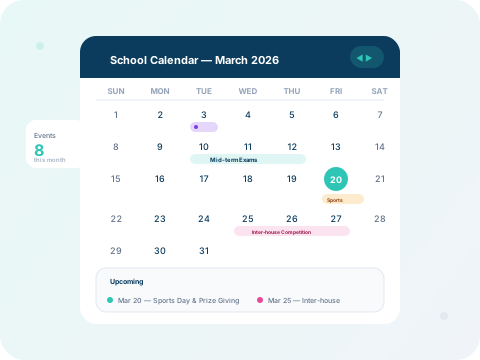
Click any date on the calendar to create a new event. Enter the title, description, event type (academic, sports, meeting, holiday), and set the date range. Events are colour-coded by type.

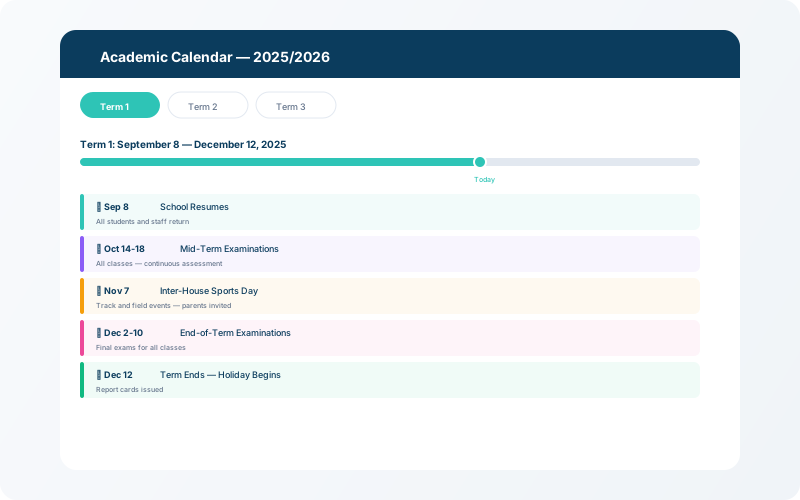
Use the Academic Calendar view to define term start/end dates, exam windows, and school holidays for the entire year. Navigate between months and years with the built-in controls.
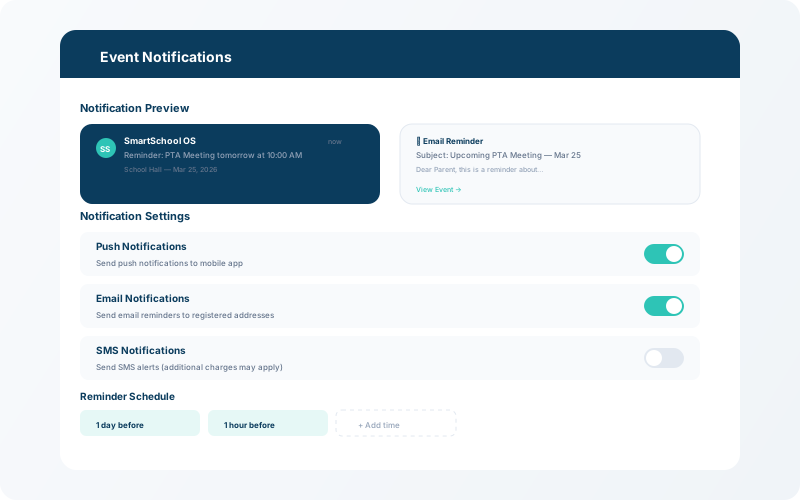
When an event is created or updated, all relevant stakeholders (teachers, parents, students) receive push notifications and in-app alerts. This ensures everyone stays informed about upcoming activities.