Build structured courses, upload lesson materials, create quizzes, and monitor every student's progress — all from one teacher dashboard.
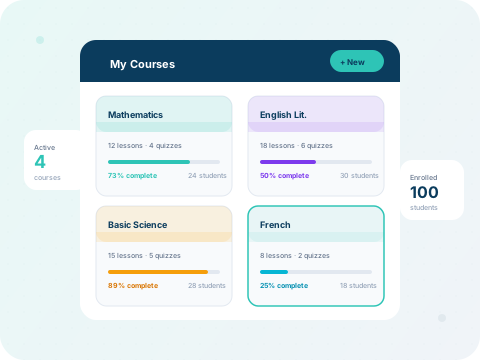
What you'll learn:
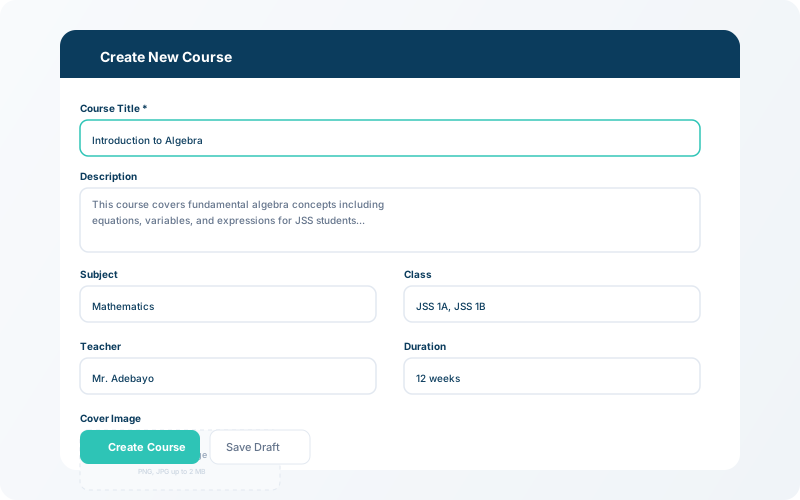
Go to LMS → Courses → New Course. Enter the course title, description, and assign it to one or more classes. The course becomes immediately visible on the student dashboard.
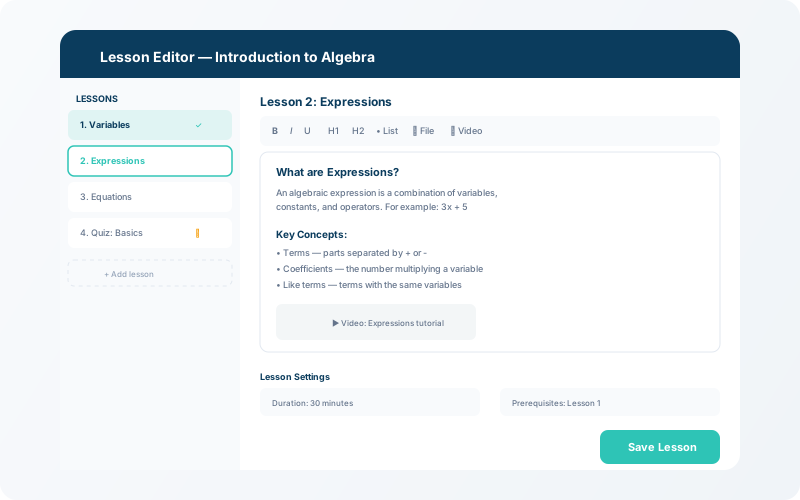
Inside each course, add lessons with text content, file attachments, or video links. You can also create quizzes with multiple question types. Lessons and quizzes are ordered sequentially.
💡 Tip
Mark lessons as mandatory or optional — students see a clear checklist of what to complete.
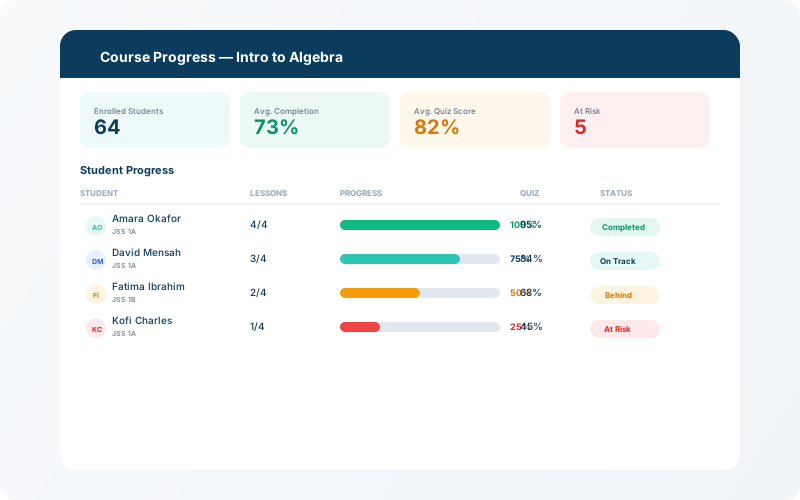
The progress dashboard shows completion percentages per student and per lesson. Teachers can identify students who are falling behind and reach out directly through the communication hub.